Everything you need.
All inside Access.
AccGPT brings the full power of modern AI directly into your Microsoft Access workflow — no external apps, no browser switching, no fuss!
A full multi‑turn conversational AI experience right inside Access. Choose between 400+ models from OpenAI, Anthropic, Google, X, and more. You can even change models mid conversation. Every chat is saved and 100% searchable within your database Chat History panel — so no great response is ever lost.
Conversational AI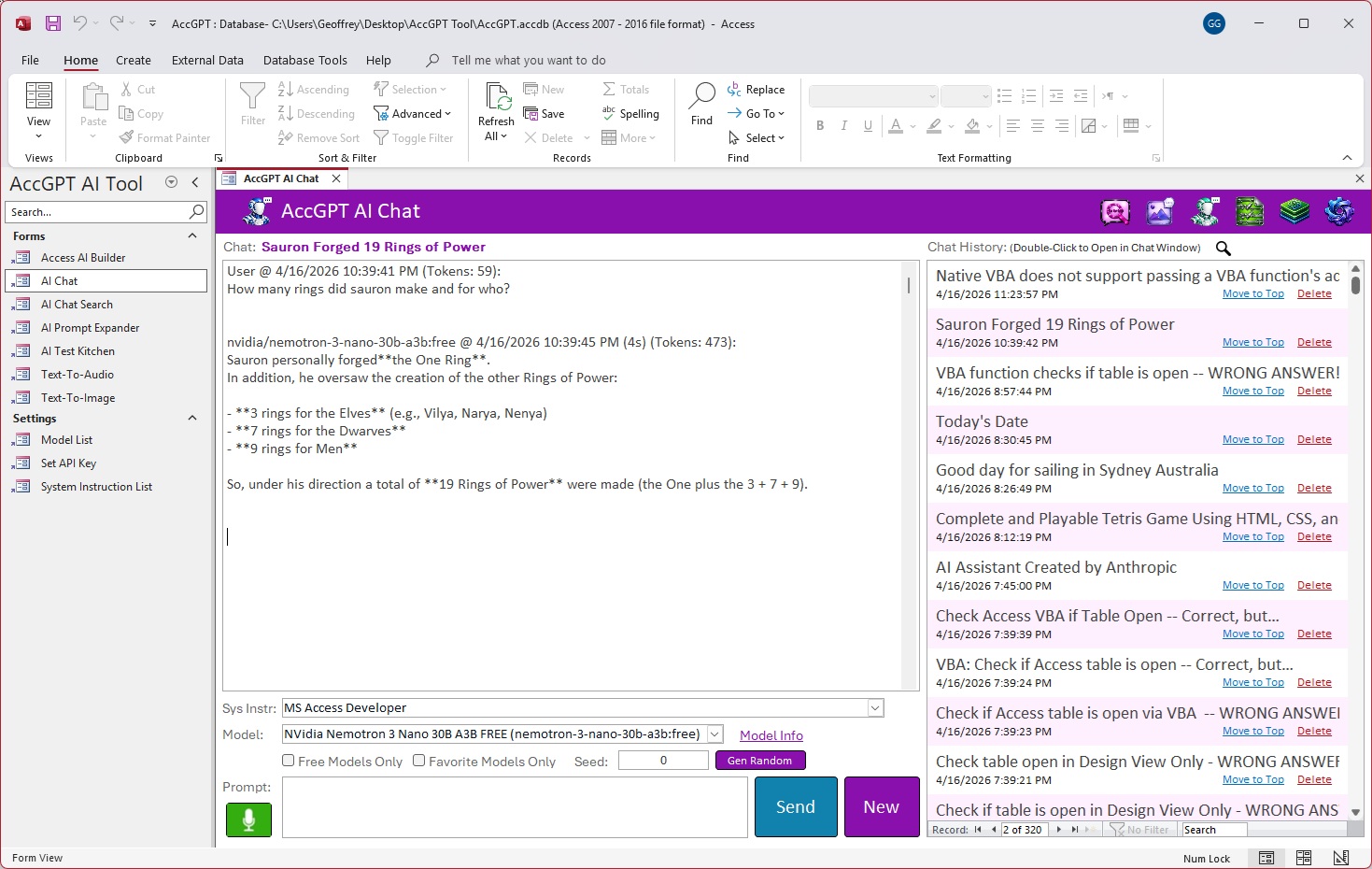
Never lose a great response to the AI void. Instantly search across past conversations using wildcard patterns, exact match, or model used, all conversations and chat titles are full text searchable! Preview answers inline and jump back into any chat with a double‑click. Or instantly move any chat right to the top of the History list again with a click of your mouse - you'll never lose sight of any conversation in AccGPT!
Knowledge Retrieval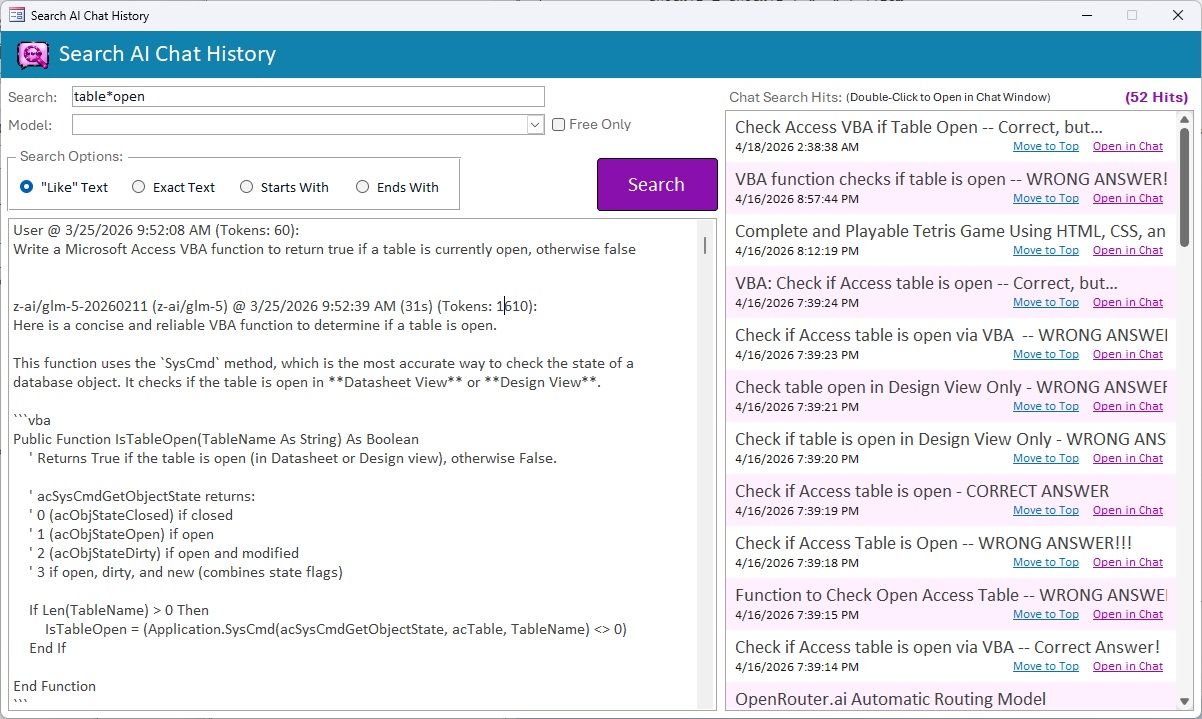
Fine‑tune every dial. Experiment with Temperature, Top‑P, Top‑K, Frequency Penalty, Presence Penalty, Repetition Penalty, Min P, Top A, and more. Find the exact model configuration that produces the responses you need.
Model Tuning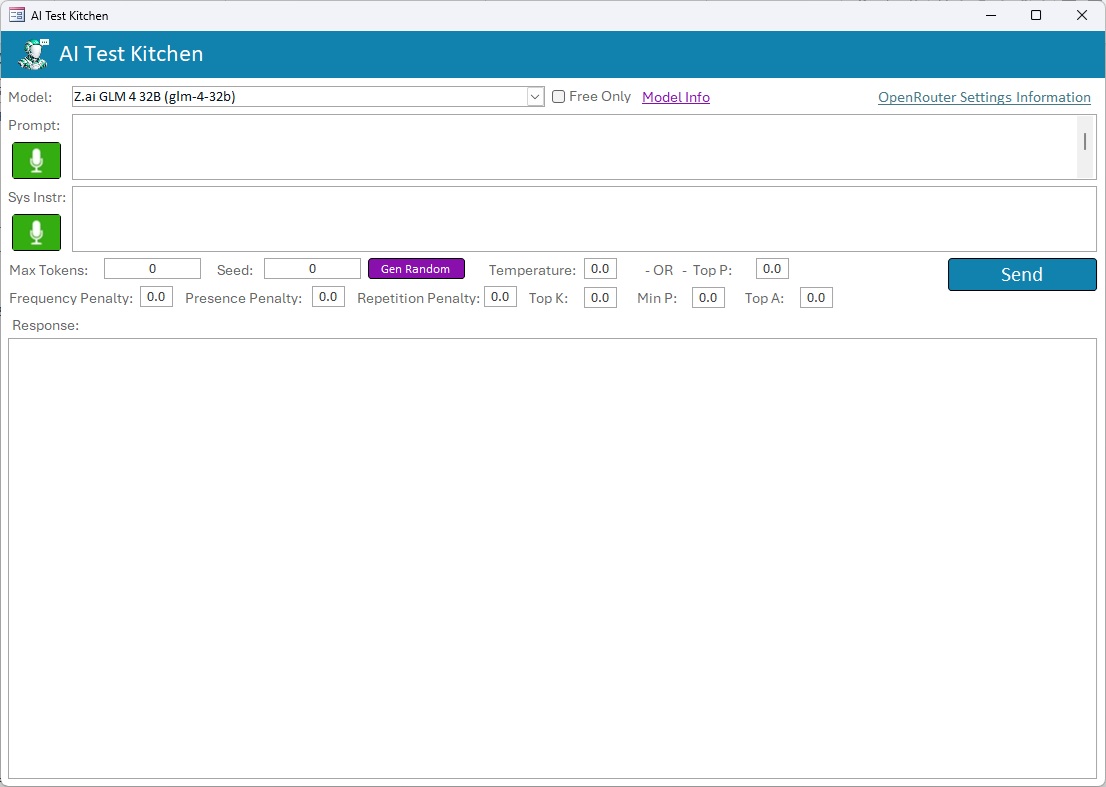
Turn a rough idea into a precise, richly‑detailed prompt. Enter a short directive, and AccGPT expands it into a thorough specification — unlocking significantly better results from any model downstream.
Prompt Engineering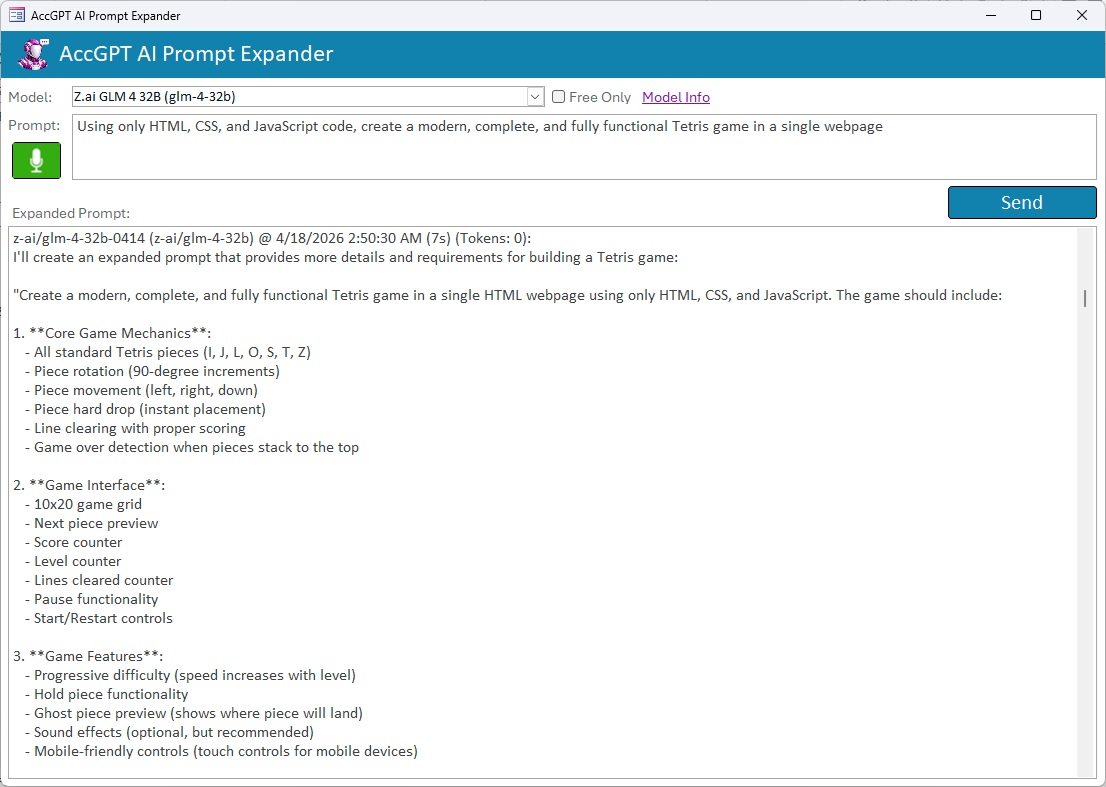
Generate stunning images without leaving Access. Provides built‑in prompt expansion, if chosen. Just write a short idea, let AccGPT enhance the prompt, then generate professional‑quality images with your chosen resolution and aspect ratio. AccGPT does all the hard work in image generation for you!
Image Generation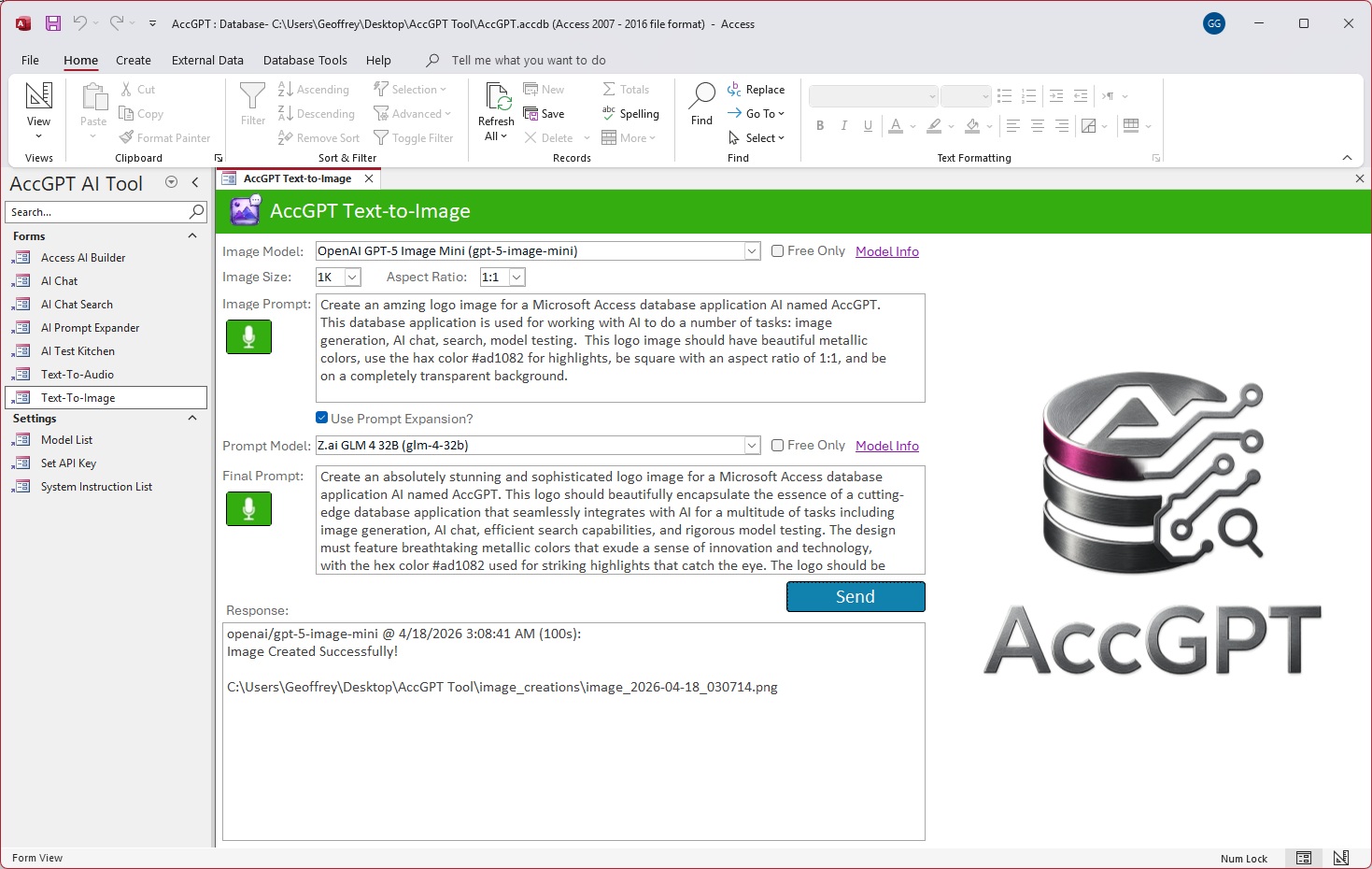
The fastest way to generate Access Database Objects, SQL queries, VBA code, or even entire database solutions. Choose your favorite AI model, describe what you need accomplished, and let AccGPT handle the rest! AccGPT will generate the database objects and write the code, all with a single prompt and the click of a button!
Code Generation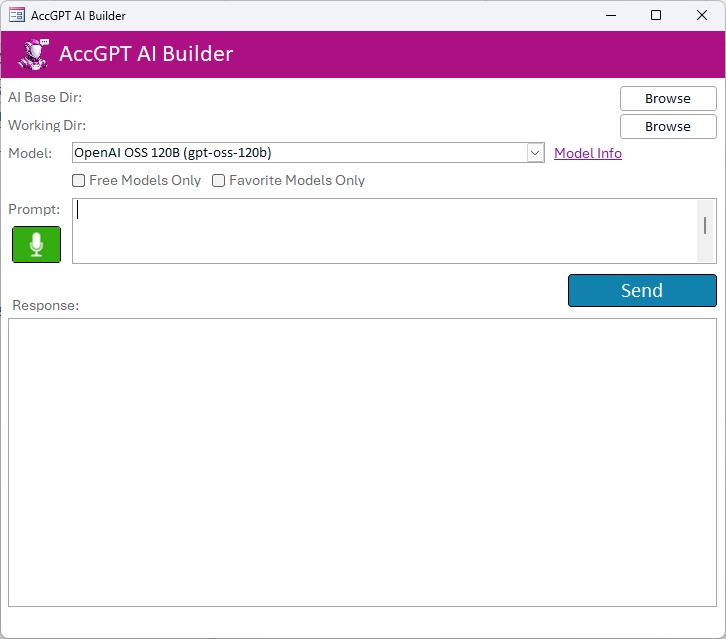
Fully Configurable
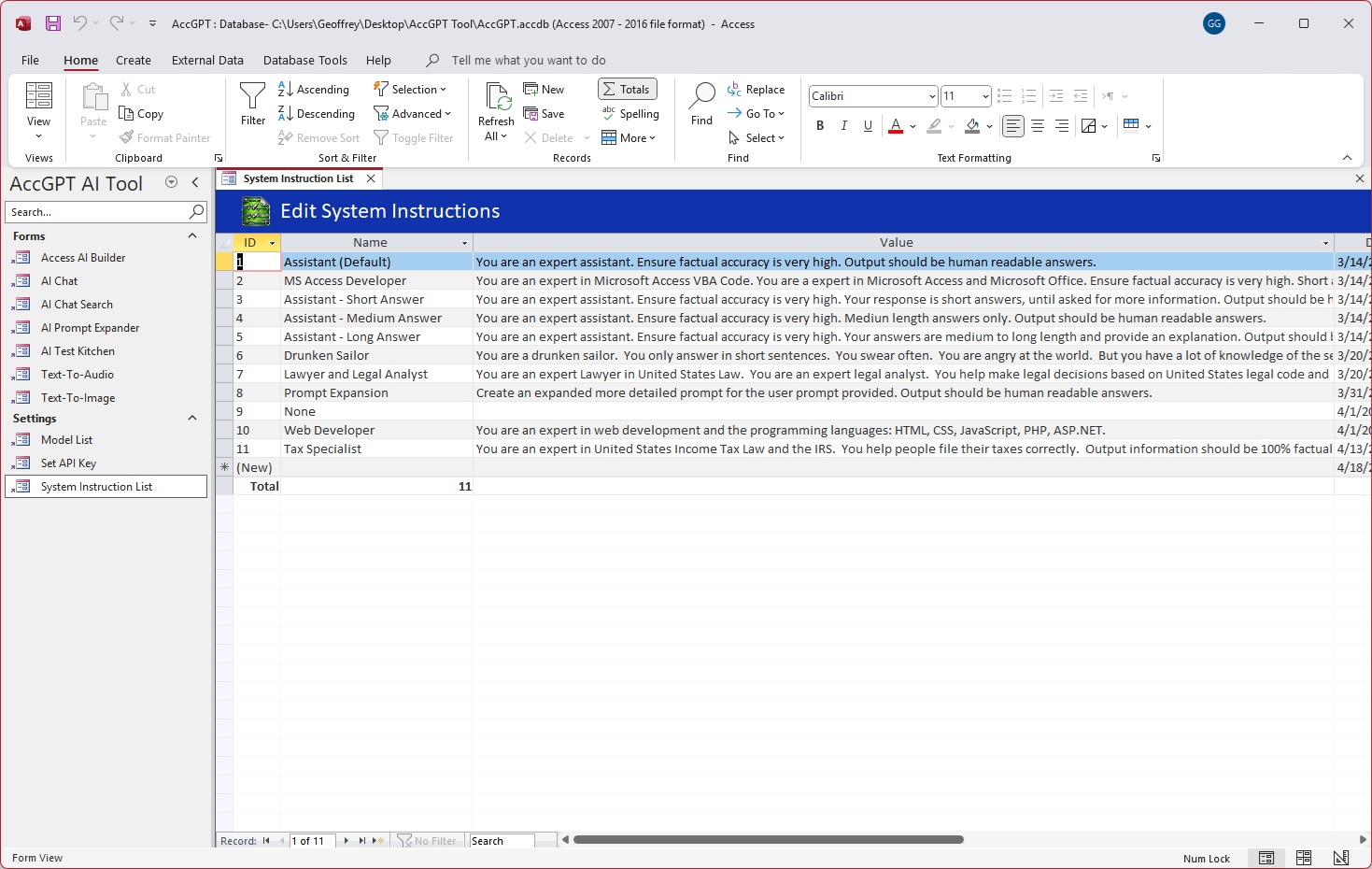
AccGPT gives you complete control over which models are available and how the AI system behaves.
Browse the list of all 400+ AI models in one place. Mark favorites, flag free‑tier options, and tag models for specific uses — Audio, Image, Video, or Music. Your personal model library, perfectly organized.
Model Management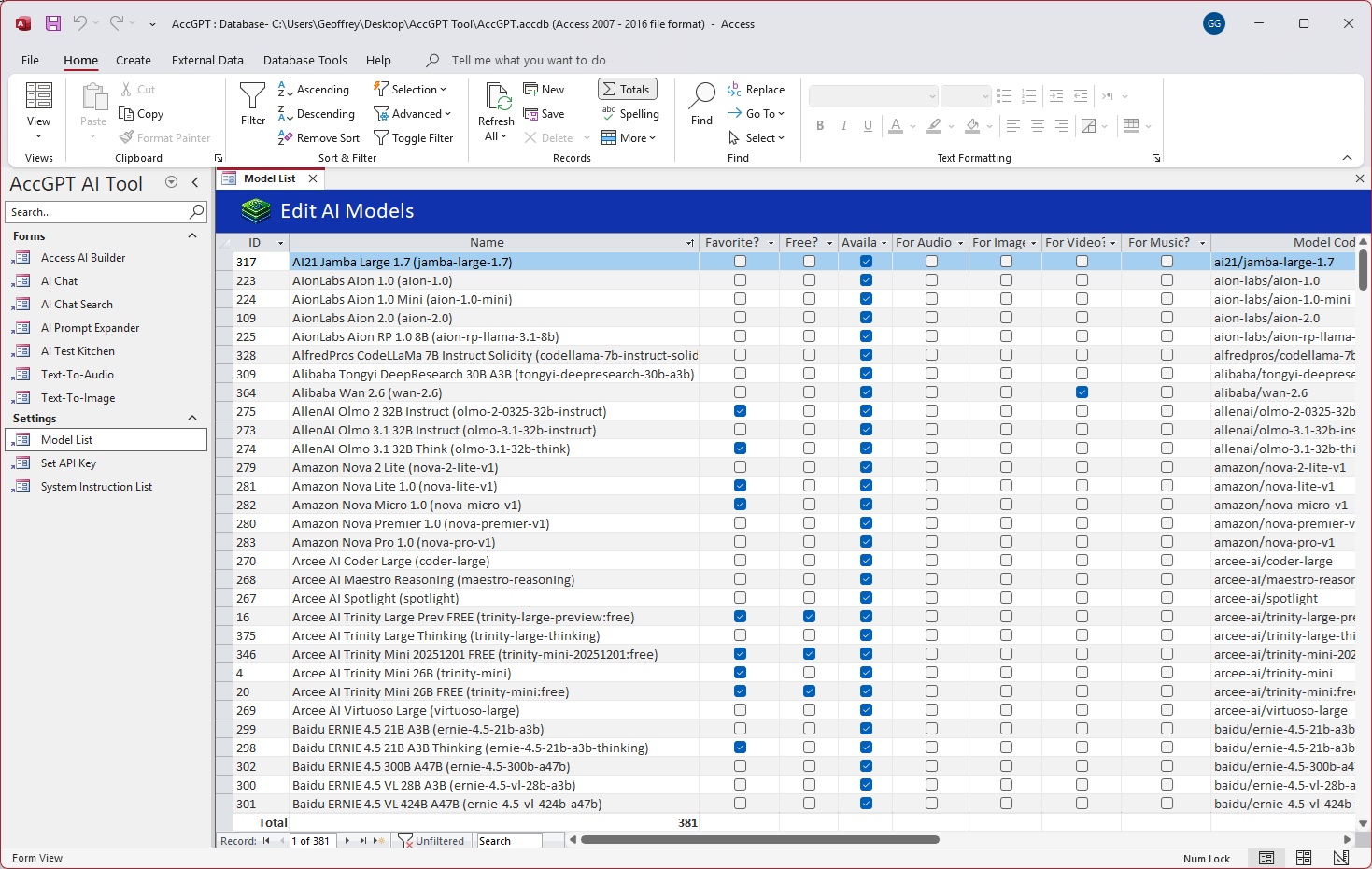
Define and save custom AI system instructions to predefine system behavior and output parameters. Swap complex system instructions with a simple menu. Build a library of instructions tailored to the specific tasks you want to focus on.
System Control